Add a Custom Event to the Planner
Step 1:
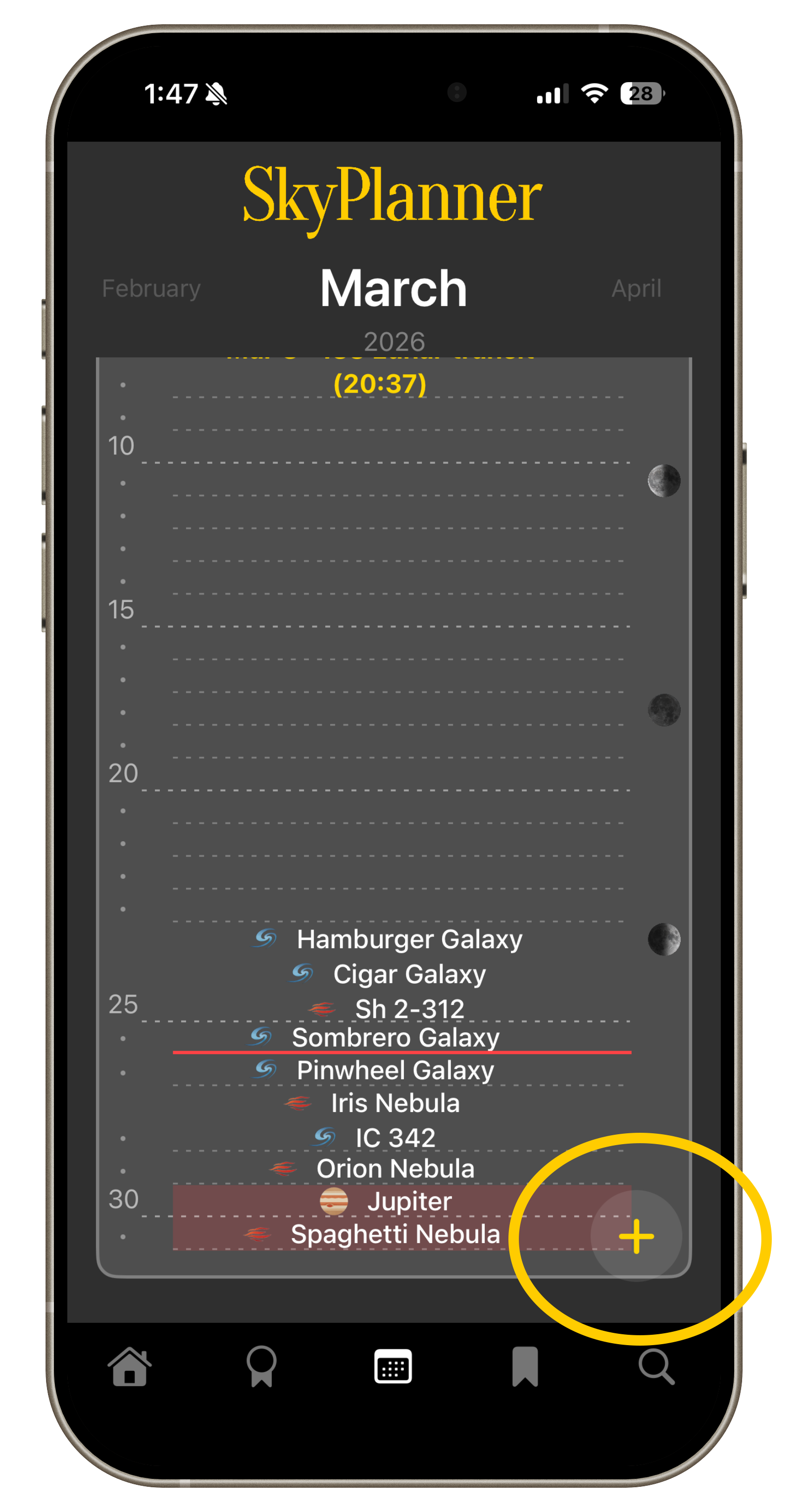
Click the yellow + on the Planner page.
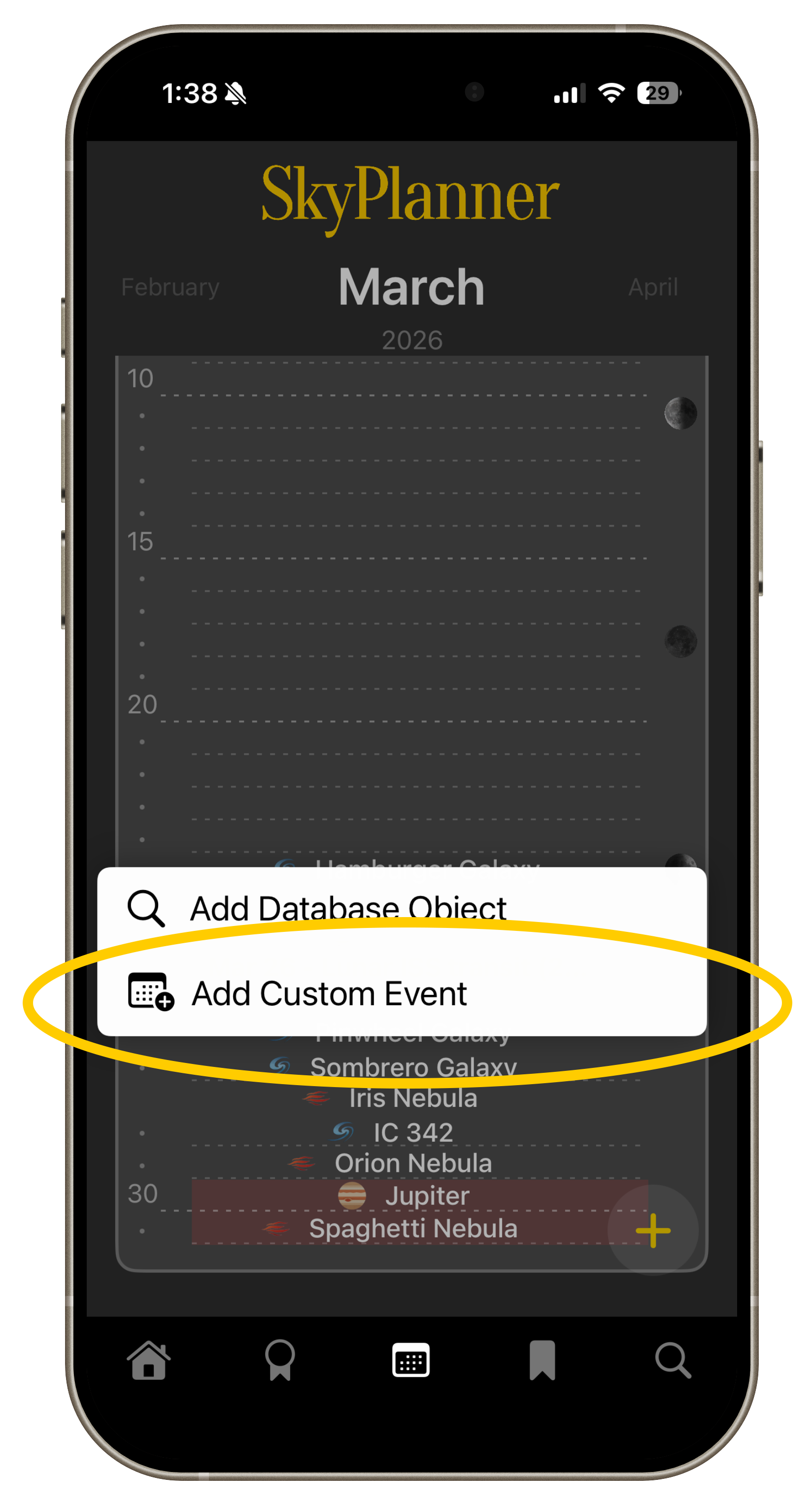
Choose Add Custom Event
Step 2:
Step 3:
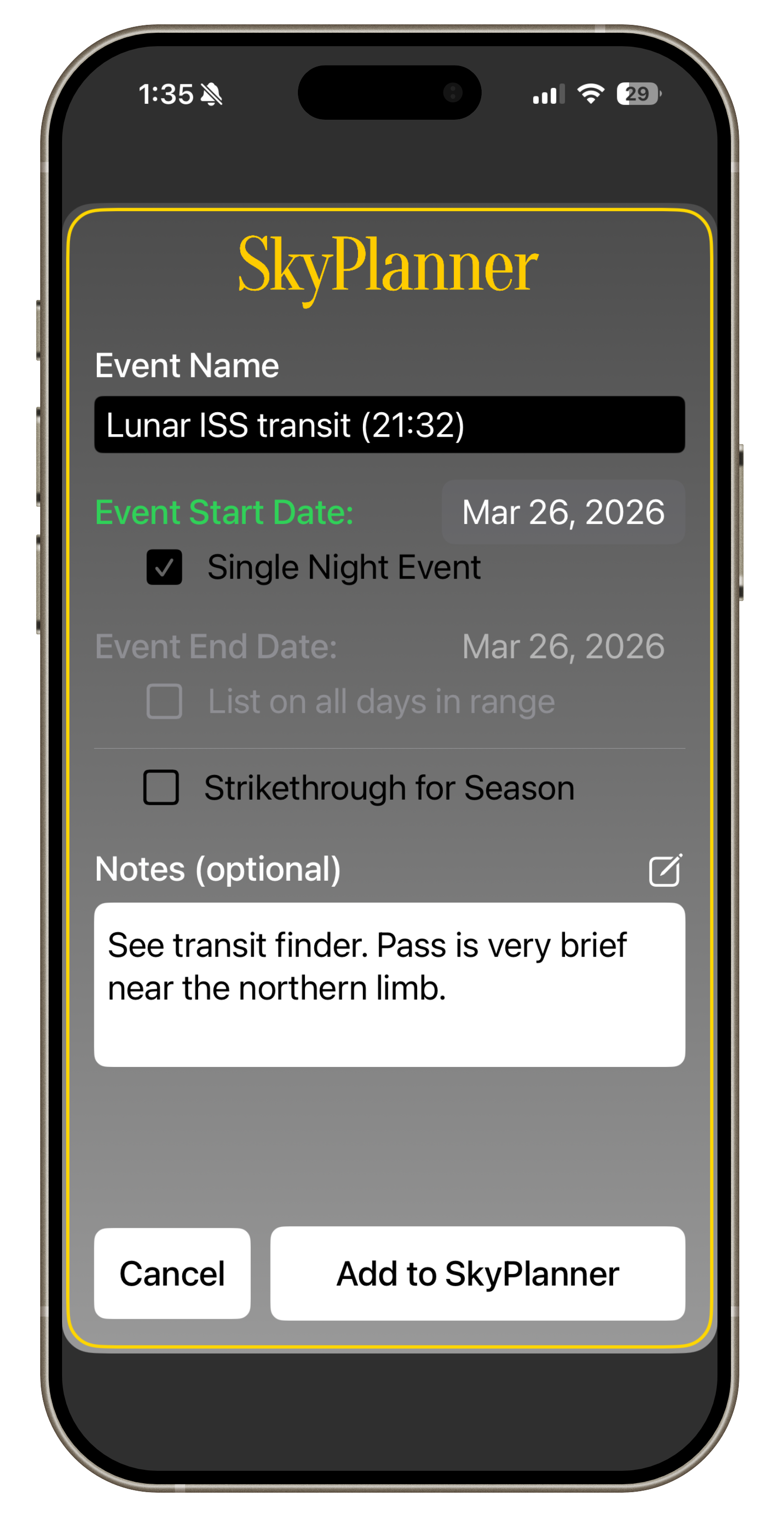
Add event details. Events can be 1-day or multi-day.
Pro tip: For very transient events, put the time in the event name for a handy reminder.
Step 4:
Click Add to SkyPlanner.
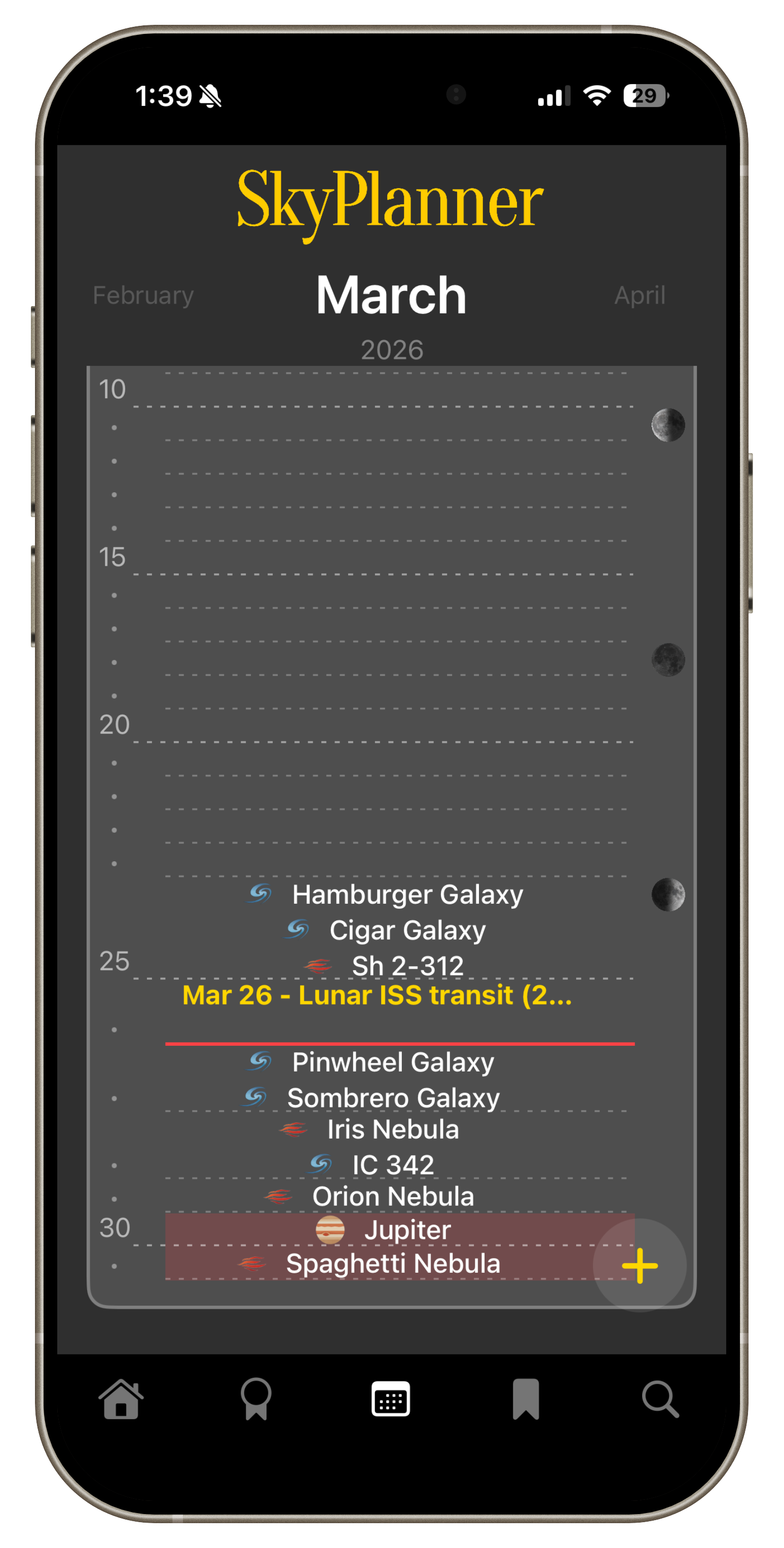
Your event will now show in the planner, and on the home page as the date nears.
Bonus Tip:
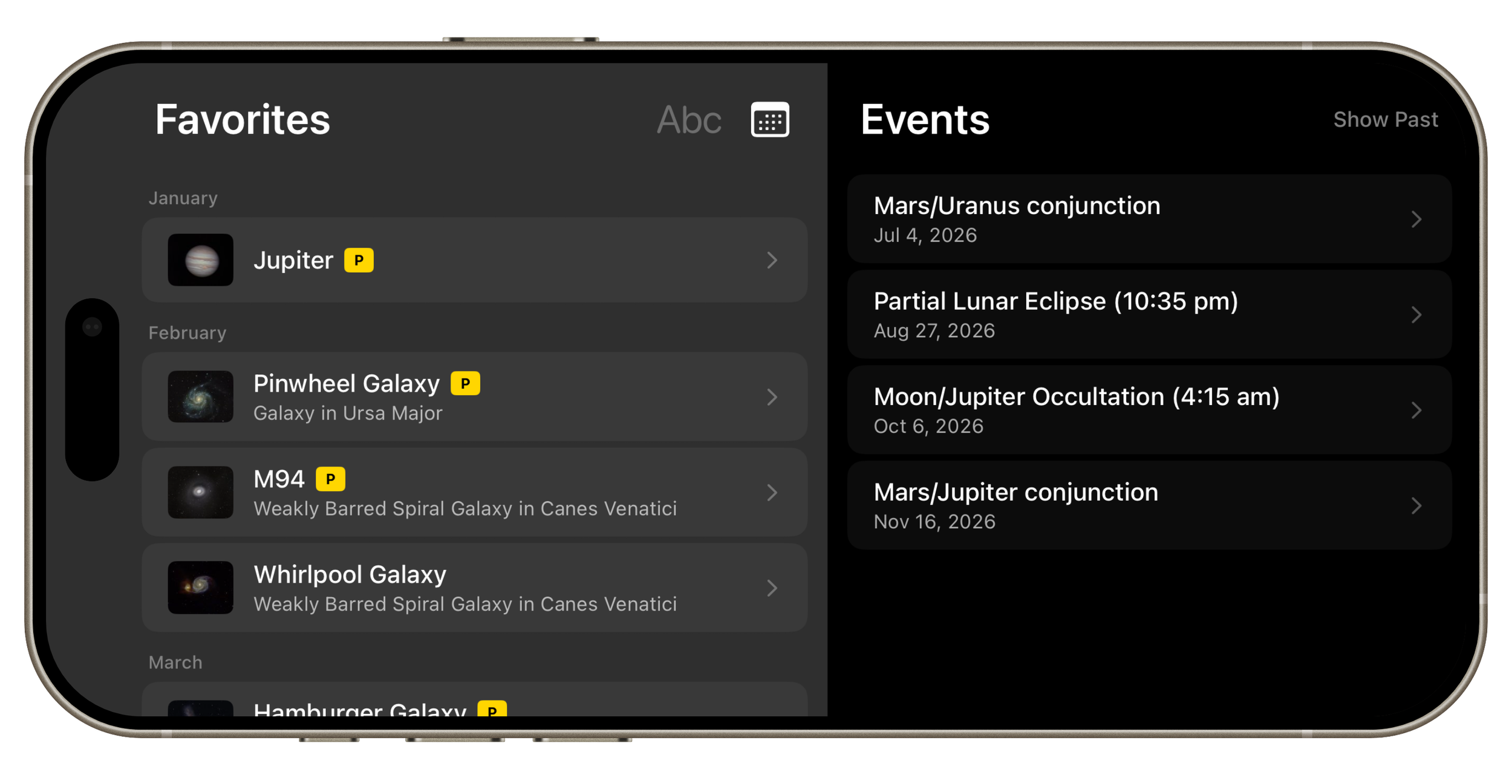
All saved events, past or future, are visible on the Favorites Page.